

https://www.pexels.com/photo/startup-planning-notes-mac-book-7357/
Get Notified If You Forget to Visit a Website
Help me out here. Tell me I’m not the only one that has:
- Forgotten to check an old college email for months at a time
- Forgotten to review a client’s Google AdWords campaign every day
- Needed a reminder to check Facebook every hour (I’m joking)
- Needed a reminder to order my spouse flowers for our anniversary (I wish I was joking)
I’m sure you can think of your own examples of times you needed to visit a website every day, week, etc., and you either forgot or was afraid you would!
The good news is this simple trick is all you need to setup a reminder if you forget to visit a website.

Backstory
Recently I had the opportunity to create a landing page for a client and I wanted a way to ask visitors questions. I stumbled upon Hotjar — an analytics and feedback tool that creates visitor heat maps, funnels, polls, and surveys. The poll feature was exactly what I was looking for.
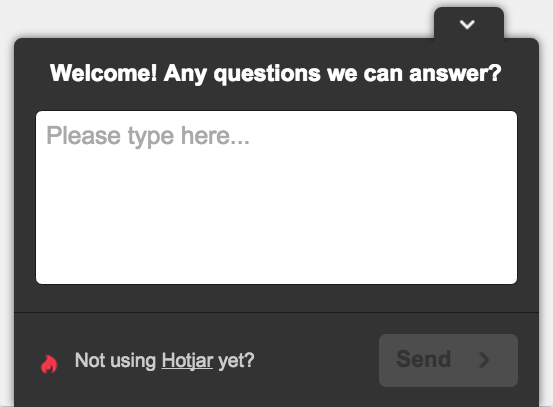
Visitors who see the poll have three options: close it, leave an anonymous response, or leave a response with their email address if they want to be contacted back. And those willing to leave their email deserve a timely response.
Problem: Hotjar doesn’t notify you (yet) when someone responds to your poll. The only way to find out if someone responded is by logging in to your account.
New problem: I needed to remember to check Hotjar at least once a day for new responses so my client could reply in a timely manner.
Step 1. Dead Man’s Snitch
I needed a way to be reminded if I didn’t login to Hotjar everyday to check for new responses. [Dead Man’s Snitch](http://deadmanssnitch.com) was perfect. It monitors scheduled tasks like cron jobs and tells you when something **doesn't** happen. You just tell it how often your task is supposed to "check in" and it gives you a unique “Snitch” URL. You tell the Snitch to start checking by pinging the URL either by emailing it, using cURL, or in your browser. Then, if your Snitch doesn't receive a ping within the time period you set you'll get an alert.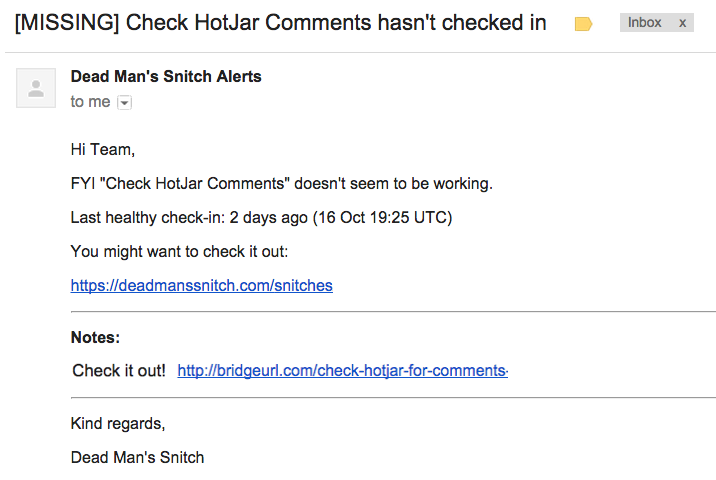
The second step was to figure out a way to ping my Snitch URL every time I visited my Hotjar account.
Step 2. BridgeURL.com
BridgeURL.com is a simple tool that lets you view multiple URLs from one link. It's a simple way to share multiple URLs, but it also worked well for what I needed.I put my Snitch URL as the first link and the second as my Hotjar link.
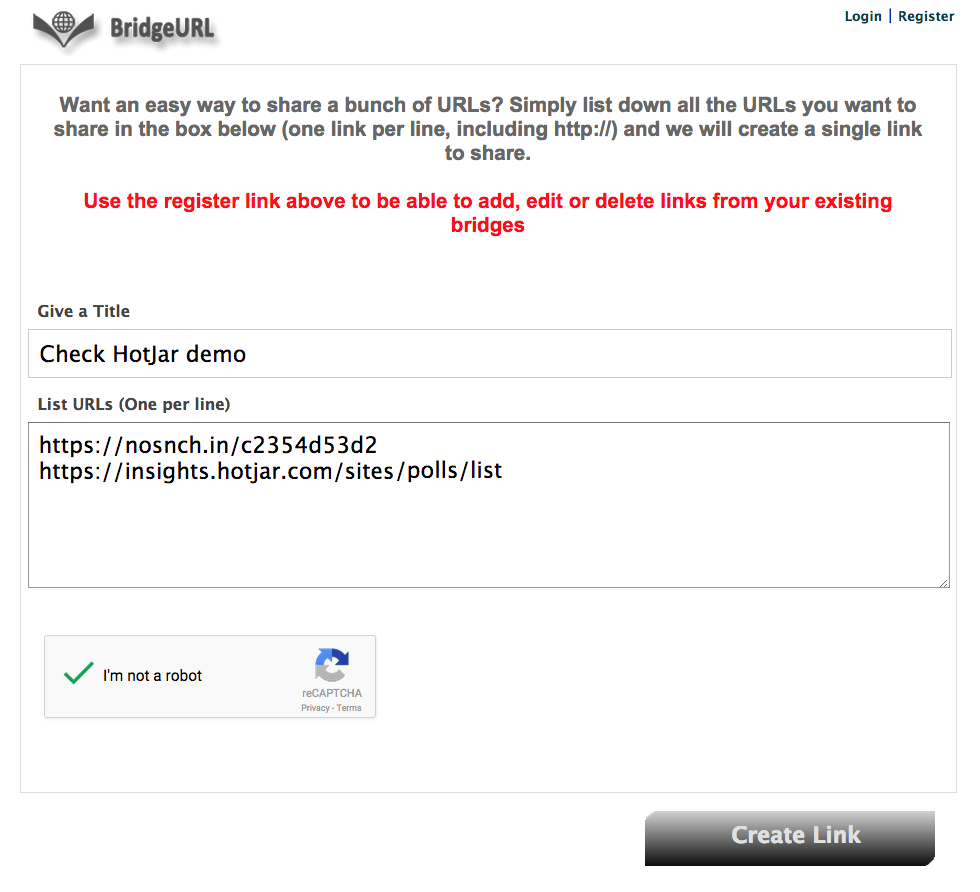
That’s it! BridgeURL created the new link and automatically shortened it to a bit.ly link.
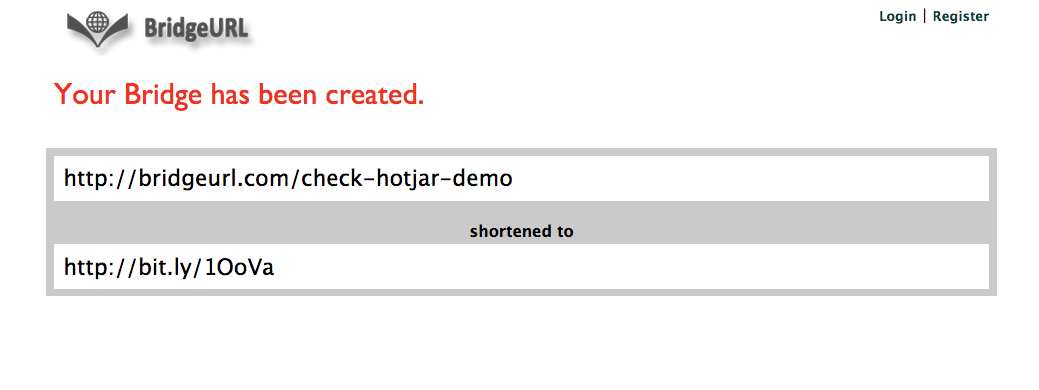
When I visit the link I’m able to slide between the two websites, looking for new Hotjar comments and checking in my Snitch URL at the same time.
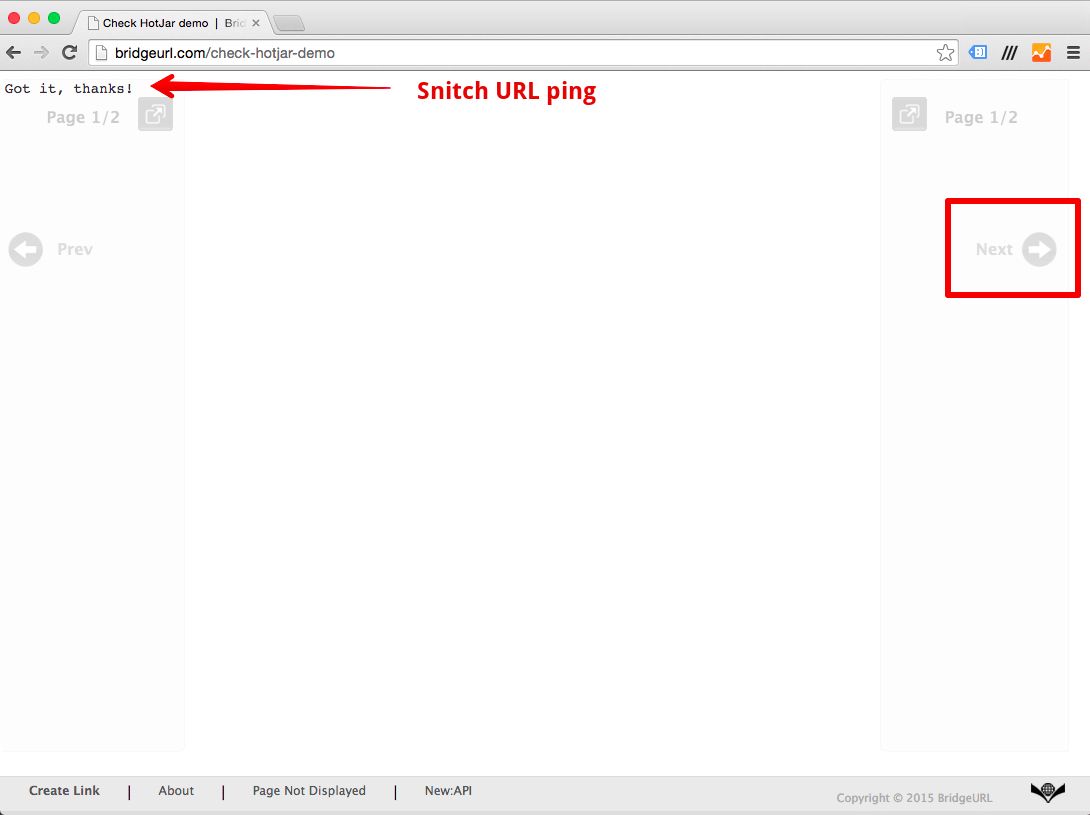
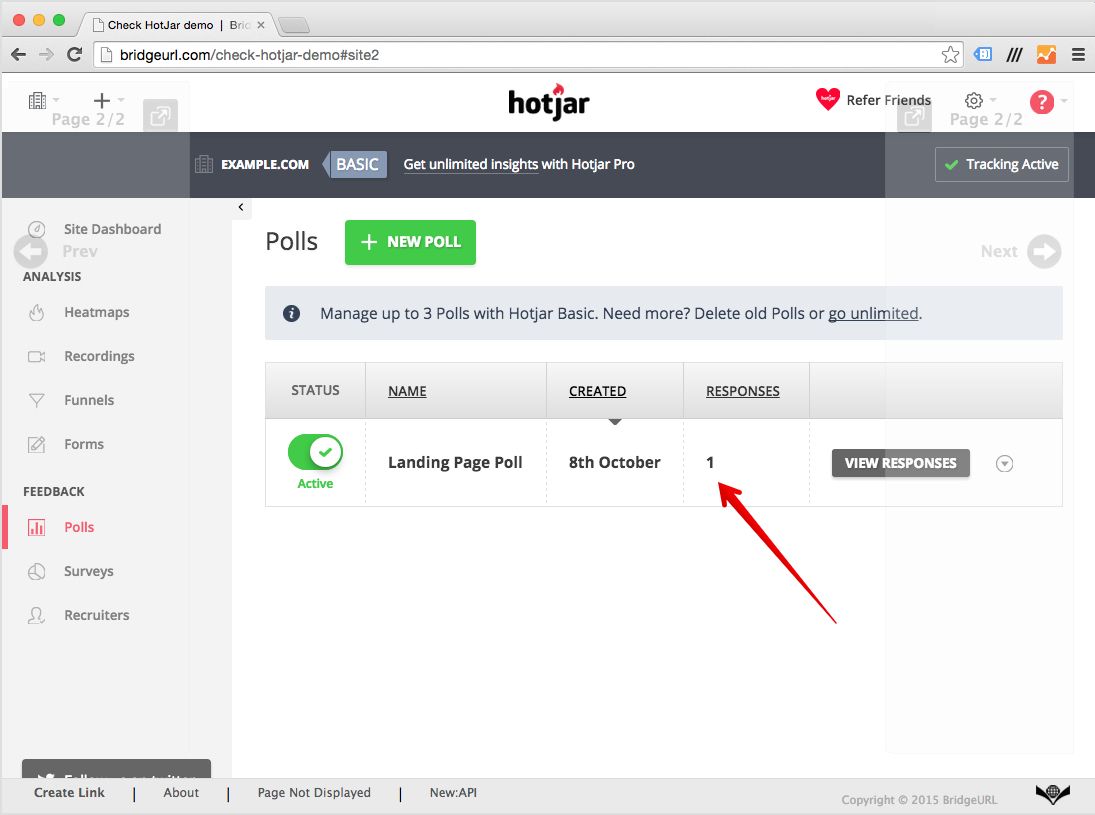
For now, I added my bit.ly link to my daily reminder. Now if I ever forget to visit my account for new comments, Dead Man’s Snitch will notify me!
Any other ideas where this type of monitoring would be useful? Leave a comment below!